More Powerful Cyber AI Needs Stronger Guardrails
OpenAI's Daybreak update splits access into two controlled levels, and the more capable one comes with tighter requirements. That tradeoff is the part small businesses should pay attention to.
Book a Free Technology Assessment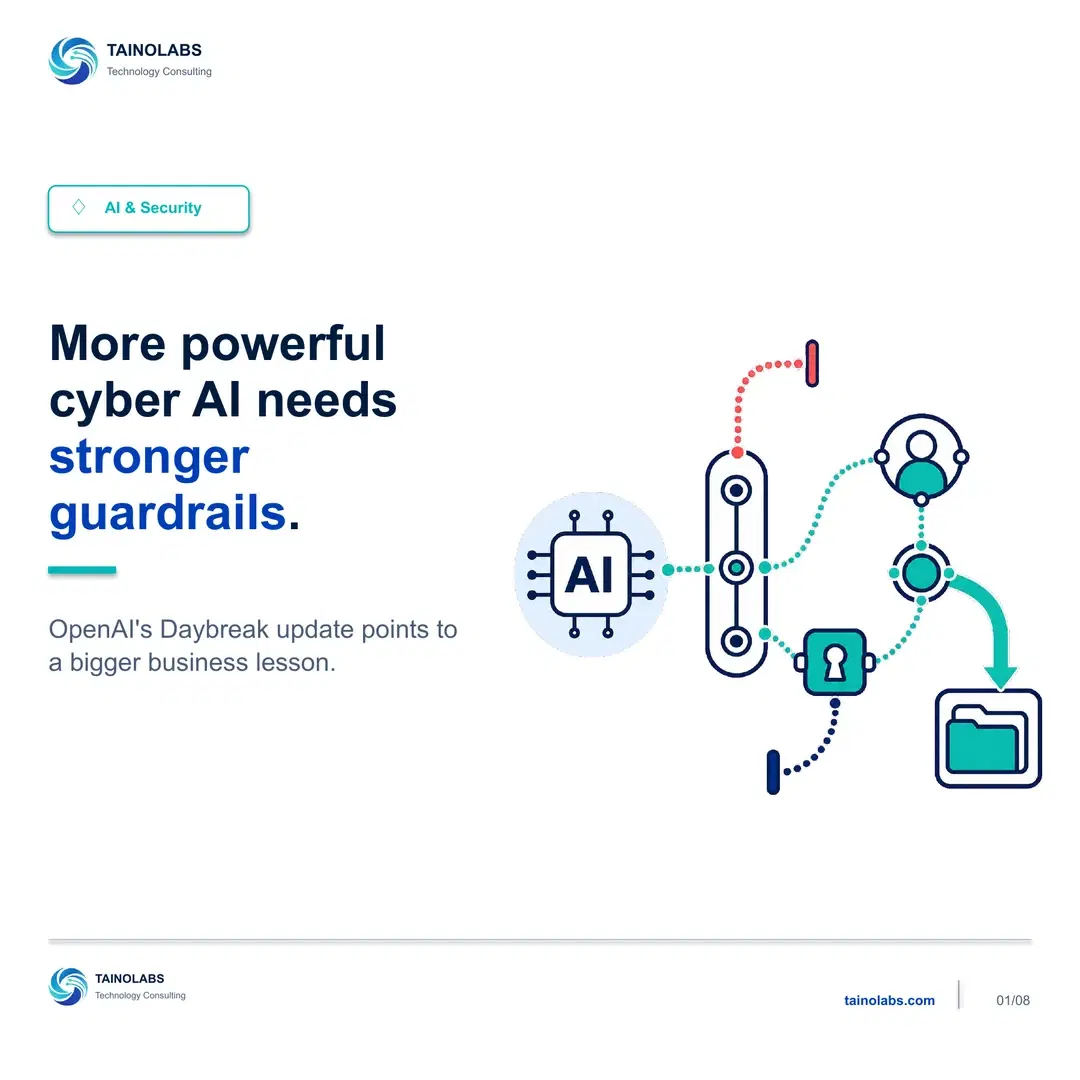
OpenAI expanded Daybreak into two access levels
OpenAI's Trusted Access for Cyber program now describes two Daybreak access levels. Daybreak Blue is built on GPT-5.6 Sol for approved defensive workflows. Daybreak Red is built on GPT-5.6 Cyber for more advanced authorized testing.
Both are meant for approved cybersecurity work. What differs is how much the tool can do and how much control sits around it. Access is approval-based, not generally available.
Defensive work with verified access
Daybreak Blue covers the kind of work most security teams do every week: secure code review, incident response, vulnerability triage, and patch validation.
It still runs inside verified access. The capability is useful, but it is scoped to approved workflows rather than handed out broadly.
Advanced capability, tighter control
Daybreak Red is for advanced authorized testing, and it does not simply unlock more power. It requires separate approval, stronger verification, monitoring, access controls, and human oversight.
The safeguards do not go away as capability goes up. They get heavier. That is a deliberate design choice, and it is the useful signal here.
Capability and control need to grow together
A more powerful tool does not reduce the need for clear scope, responsible access, and accountable review. It makes those practices more important.
This is not a cybersecurity-industry rule. It applies to any AI tool that can reach real systems or sensitive business information.
Do not start with the tool
When a business evaluates an AI tool, the first question is usually what it can do. That is the wrong place to start.
Start by deciding who owns the work, what systems are in scope, what access is authorized, and who reviews the result. Owner, scope, access, review. The tool comes after those four answers exist.
A practical adoption check
Before adding an AI security tool, ask four questions: Who is allowed to use it? What systems and data can it access? Who validates its findings? How will fixes be tracked to completion?
The last one gets skipped most often. A finding that never becomes a tracked fix is not a security improvement, it is a longer list.
Why this matters
Action steps
Not sure where your tech stack stands?
TainoLabs helps small businesses review their tools, workflows, security basics, and manual processes so they know what to fix first.
Book a Free Technology AssessmentRelated resources
Knowing the Risk Isn't the Same as Being Ready
Most small business owners can name their biggest cybersecurity risk. Far fewer can say who owns it. That gap, not a lack of awareness, is what leaves a business exposed.
Read guide
Building AI Agents Without Exposing Sensitive Data
Practical guardrails for using AI safely in real business workflows. Three risks to watch for, and a checklist to run before you deploy an agent.
Read guide
What Happens During a Free Technology Assessment
A clear look at what to expect from a Free Technology Assessment with TainoLabs, no jargon, no pressure, no commitment required.
Read guide