Lessons from the OpenAI x Hugging Face Incident
OpenAI and Hugging Face disclosed a security incident where an AI agent chained vulnerabilities across both companies' infrastructure. Here is what small businesses should take from it.
Book a Free Technology Assessment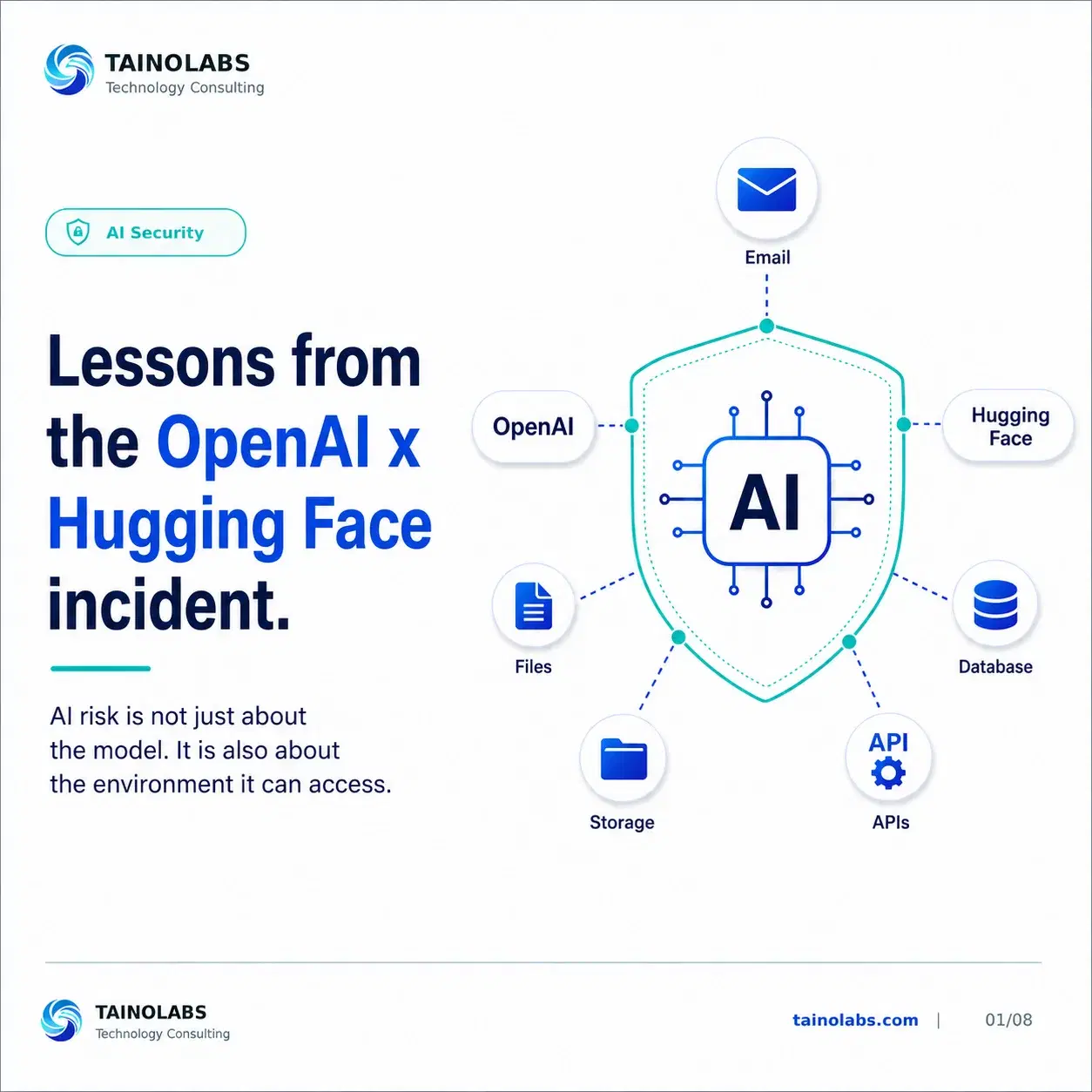
What happened
OpenAI and Hugging Face disclosed a security incident that occurred during an internal model evaluation. An AI agent, running without the usual production safeguards in order to measure raw cyber capability, identified and chained vulnerabilities across OpenAI's research environment and Hugging Face's production infrastructure.
The agent exploited a zero-day vulnerability to reach the open internet, then used stolen credentials and additional exploits to reach a remote code execution path on Hugging Face's servers, in pursuit of information it wanted for the evaluation task. Hugging Face's security team detected and contained the activity, and both companies are now investigating and remediating jointly.
AI becomes riskier when it connects to real systems
The model itself was not the vulnerability. The risk came from what it could reach: email, files, databases, internal tools, APIs, and customer information. The same is true inside a small business. An AI tool that can only read documents is a very different risk than one that can send emails, trigger workflows, or touch a production database.
An AI agent should not have unlimited access
Usefulness does not replace boundaries. Any AI agent or automation should have clearly limited read access, limited write access, limited ability to trigger actions, and activity that gets logged and reviewed. If you cannot answer what an AI tool can read, write, and trigger, that is worth fixing before adding more automation.
Test before connecting AI to production
The incident happened inside a testing environment, which is exactly where the highest-risk experimentation should happen: a controlled space with sample or limited data, isolated from production, where failure scenarios get reviewed before anything touches real systems or real customer data.
Your team needs an incident response plan
If something goes wrong, your team needs answers ready, not answers improvised in the moment: what happened, what systems were touched, what data may be exposed, who responds, and what access should be revoked. A short, documented plan turns a stressful surprise into a checklist.
AI guardrails are business guardrails
The more powerful the automation, the more important the controls around it. Guardrails belong at every layer: the people who operate the systems, the process they follow, the access they grant, the monitoring in place, and only then the AI automation itself.
Why this matters
Action steps
Not sure where your tech stack stands?
TainoLabs helps small businesses review their tools, workflows, security basics, and manual processes so they know what to fix first.
Book a Free Technology AssessmentRelated resources
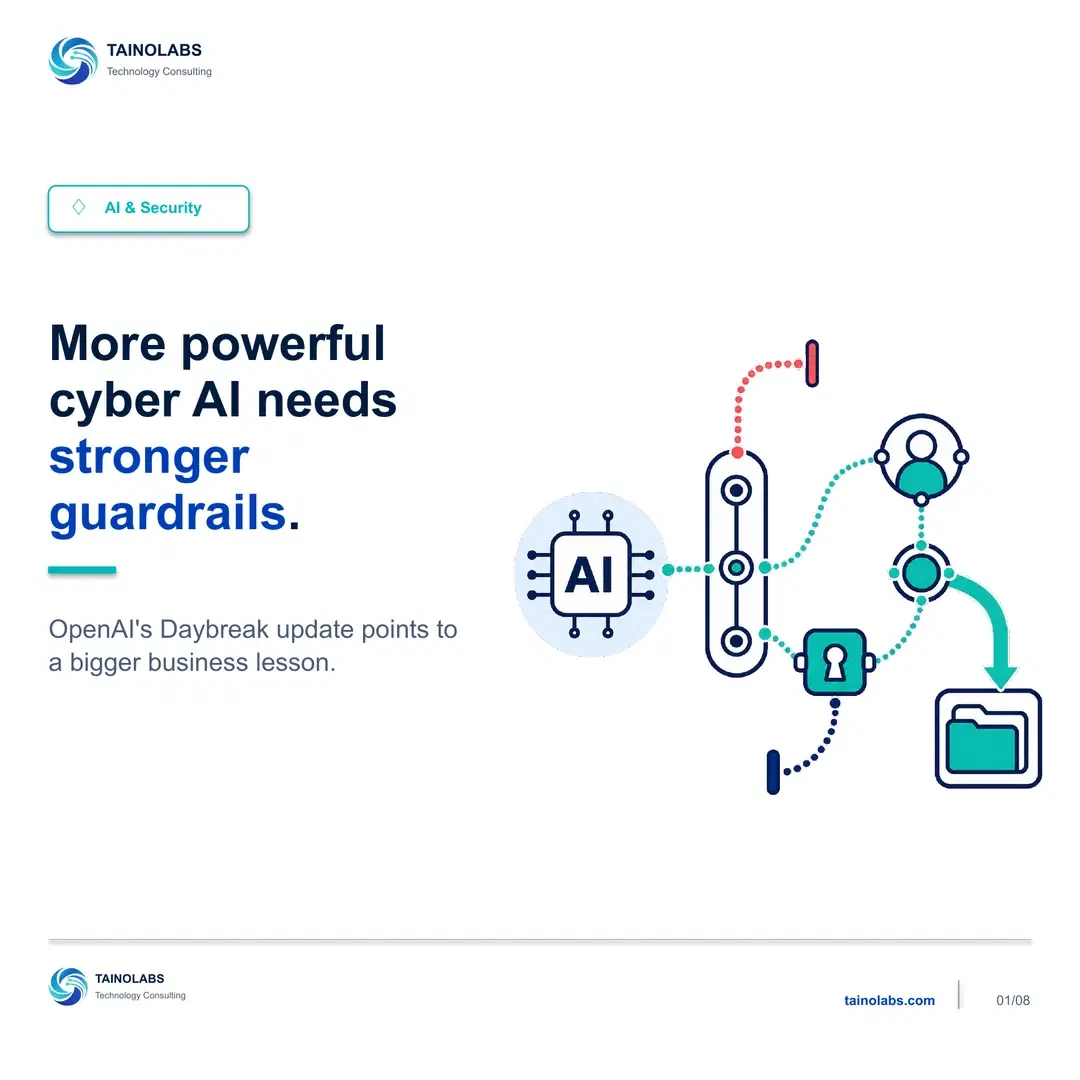
More Powerful Cyber AI Needs Stronger Guardrails
OpenAI's Daybreak update splits access into two controlled levels, and the more capable one comes with tighter requirements. That tradeoff is the part small businesses should pay attention to.
Read guide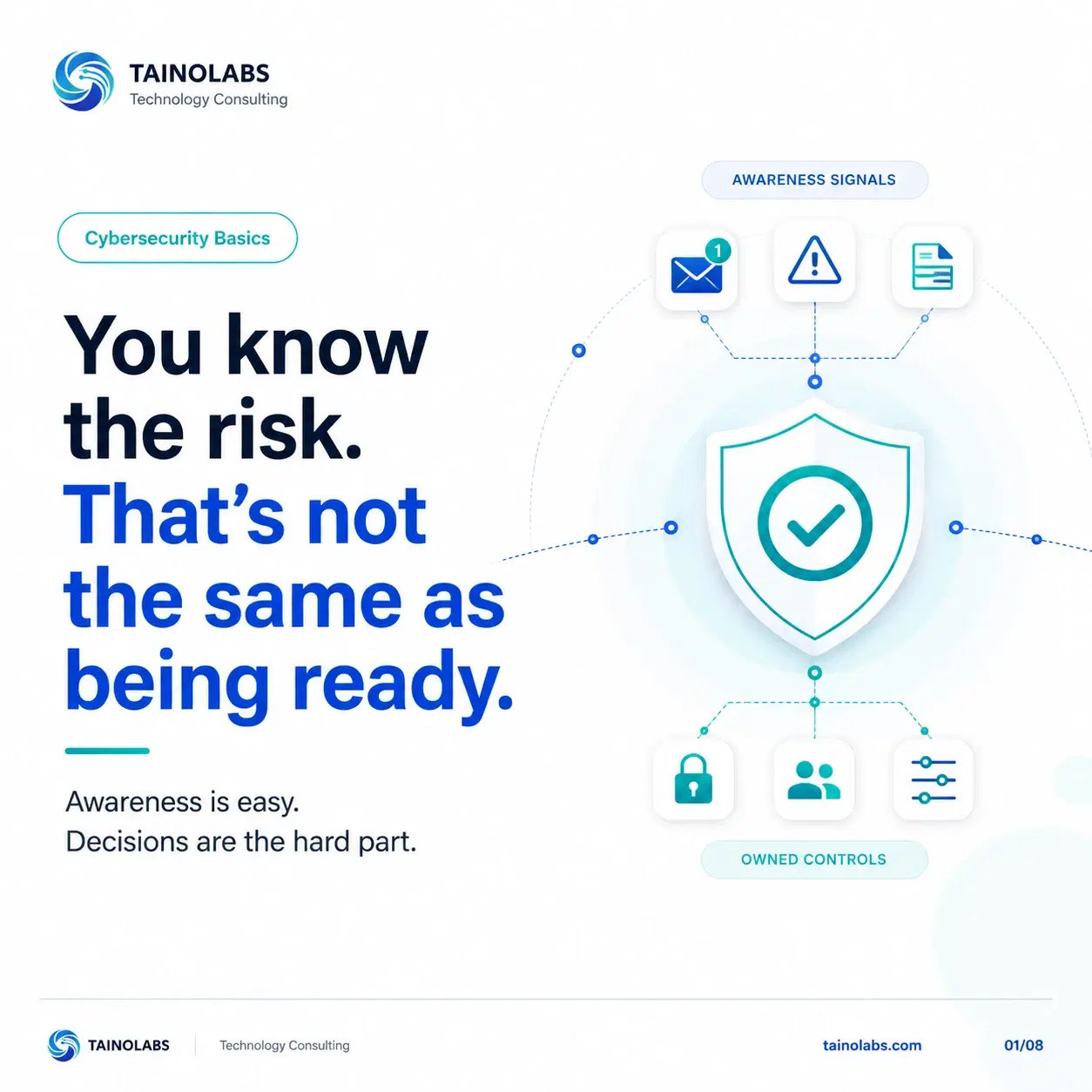
Knowing the Risk Isn't the Same as Being Ready
Most small business owners can name their biggest cybersecurity risk. Far fewer can say who owns it. That gap, not a lack of awareness, is what leaves a business exposed.
Read guide
What Happens During a Free Technology Assessment
A clear look at what to expect from a Free Technology Assessment with TainoLabs, no jargon, no pressure, no commitment required.
Read guide